How it works
Start from what you already have
You do not fill in a form to begin. You paste something, and the work comes back as a draft for you to read, change and send.
Set up your playbook
This takes about ten minutes. You describe your business, paste two to five emails you have written so it can learn your voice, and add your disclaimers and footer. Then you set your fit rules, such as the destinations and trip types you take, and review the starter notes on booking windows and know-how.
Every step can be skipped and finished later. Your playbook stays yours and you can change it any time.
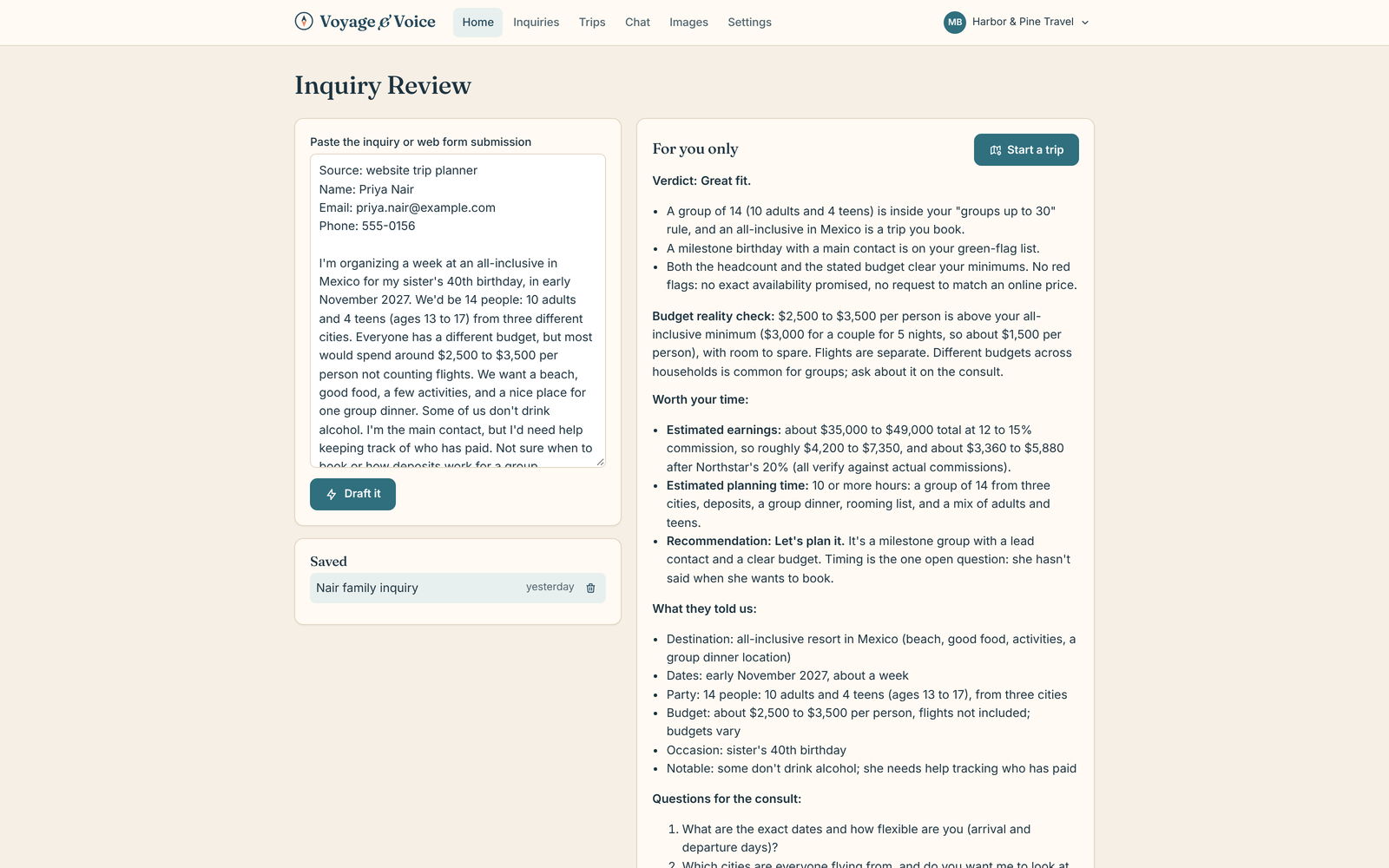
Paste an inquiry
Paste the email, the form entry or the whole thread. You get a fit check against your own rules and a reply that asks the right next questions, in your voice. You can also attach a supplier PDF or a saved email instead of pasting.
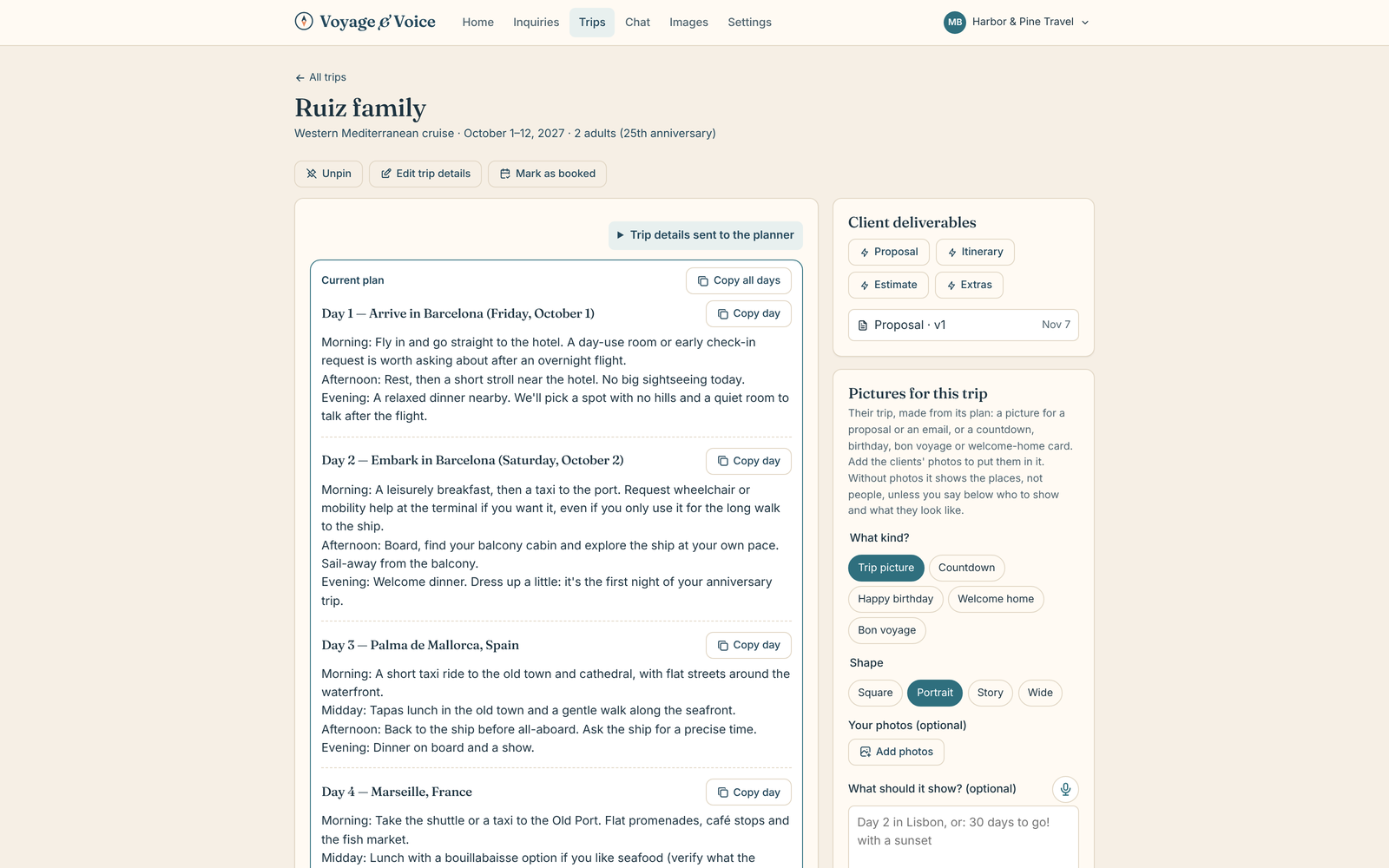
Plan the trip
Ask for a day-by-day plan. It researches live and shows its sources, so you can check what it found. Then talk to it to change things: swap a day, slow the pace, add a rainy-day option. Your own know-how comes first.
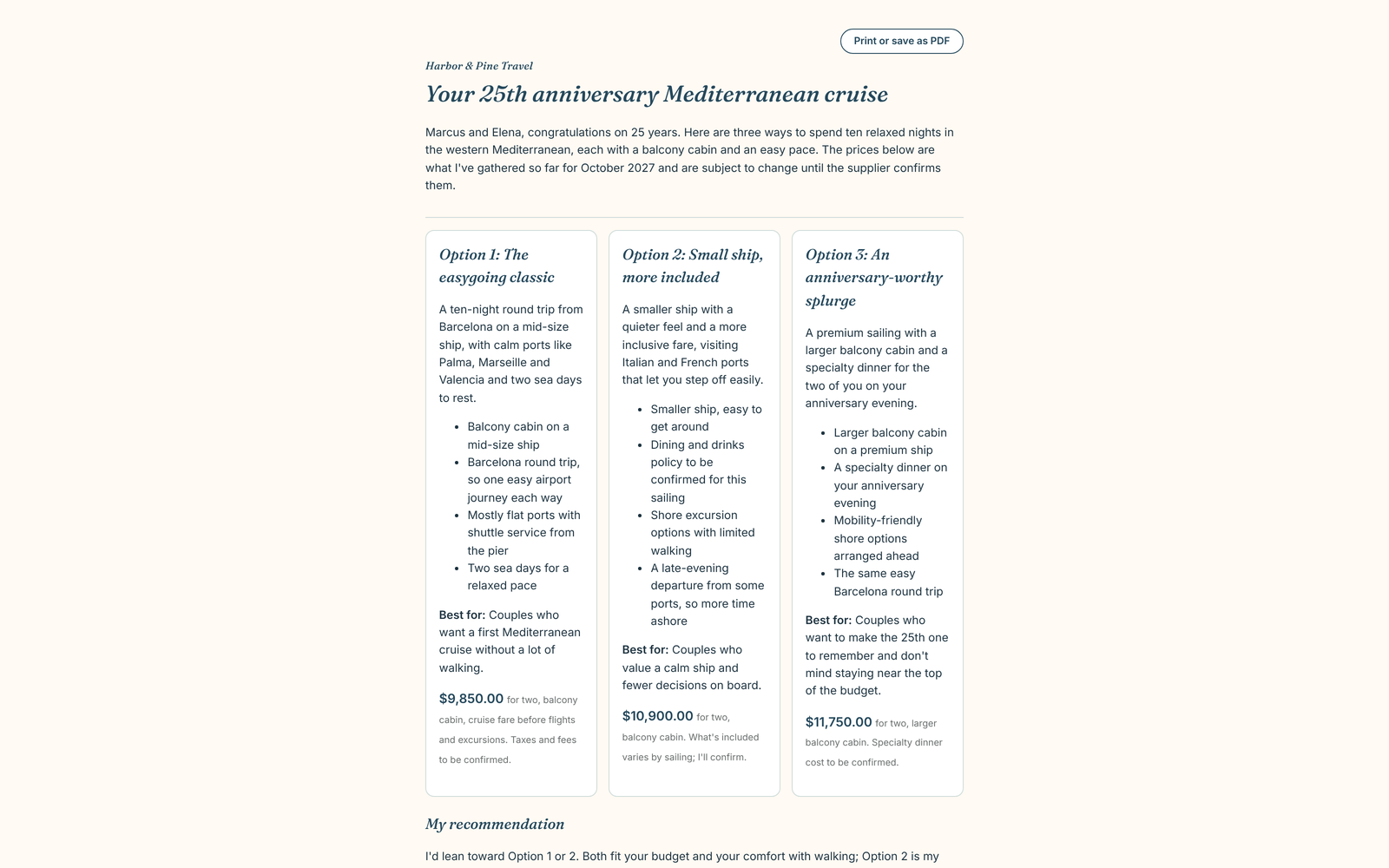
Send polished documents
Turn the plan into a proposal, an itinerary or a quote. Each is a private client page and a PDF, with your signature, disclaimers and footer. Prices appear only where you entered them. Anything missing is left for you to fill in, not guessed.
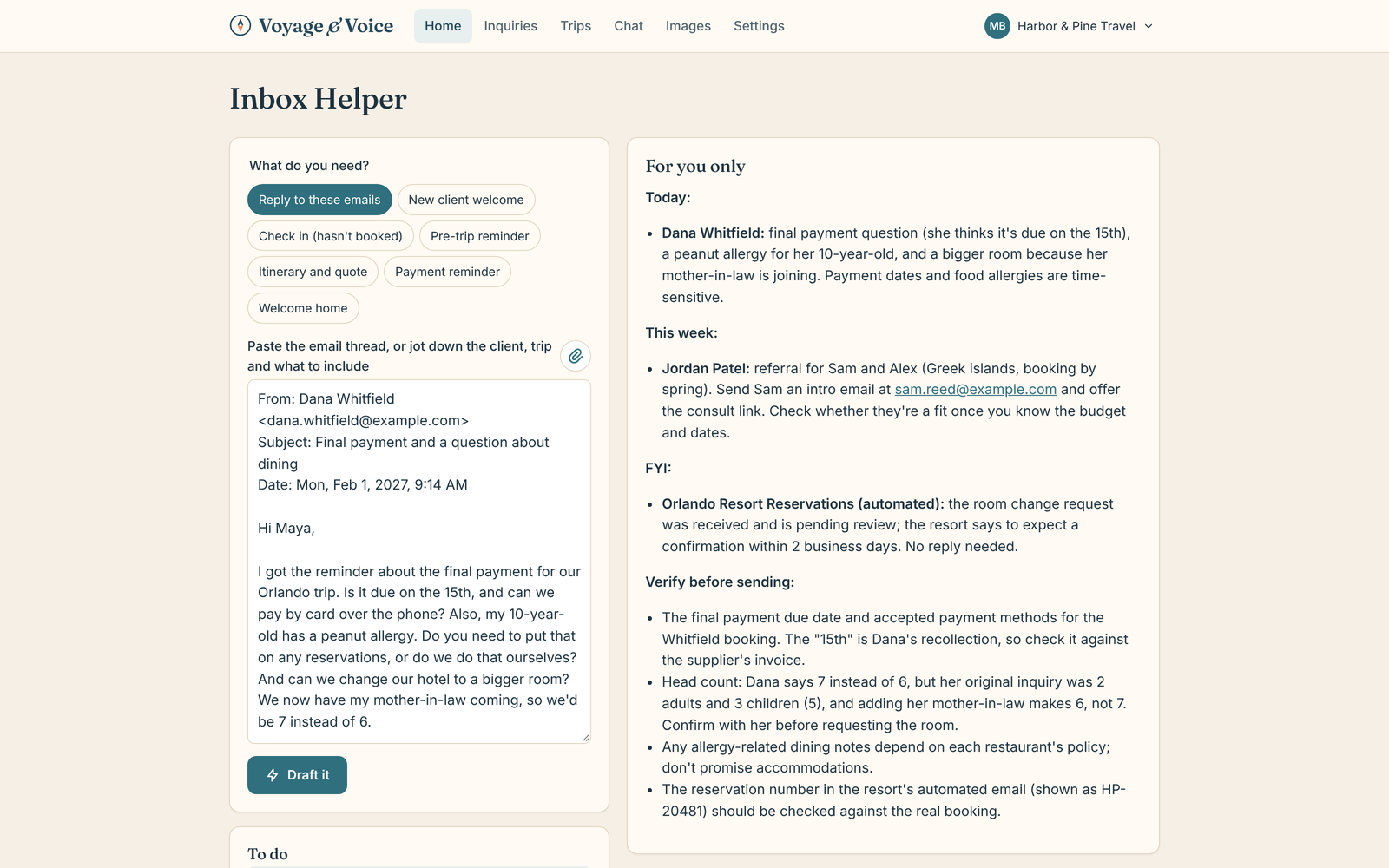
Stay on top of every booked trip
When a trip is booked, add the dates and it sets up key dates and payment reminders you can change. Paste client emails along the way for replies in your voice, and write marketing posts when the week is quiet.
From inquiry to welcome home
What is on the desk
Inquiry fit check
Is this client right for you, and what should you ask first?
Day-by-day plans
Live research with sources, shaped by your know-how.
Proposals, itineraries, quotes
Client pages and PDFs in your name.
Key dates and reminders
Deposits, final payments and the dates that matter for each booked trip.
Inbox replies
Paste a client email, get a reply in your voice.
Marketing posts
Posts that carry your disclaimers, ready to edit.
For your website
A trip planner that sends travelers' details straight in
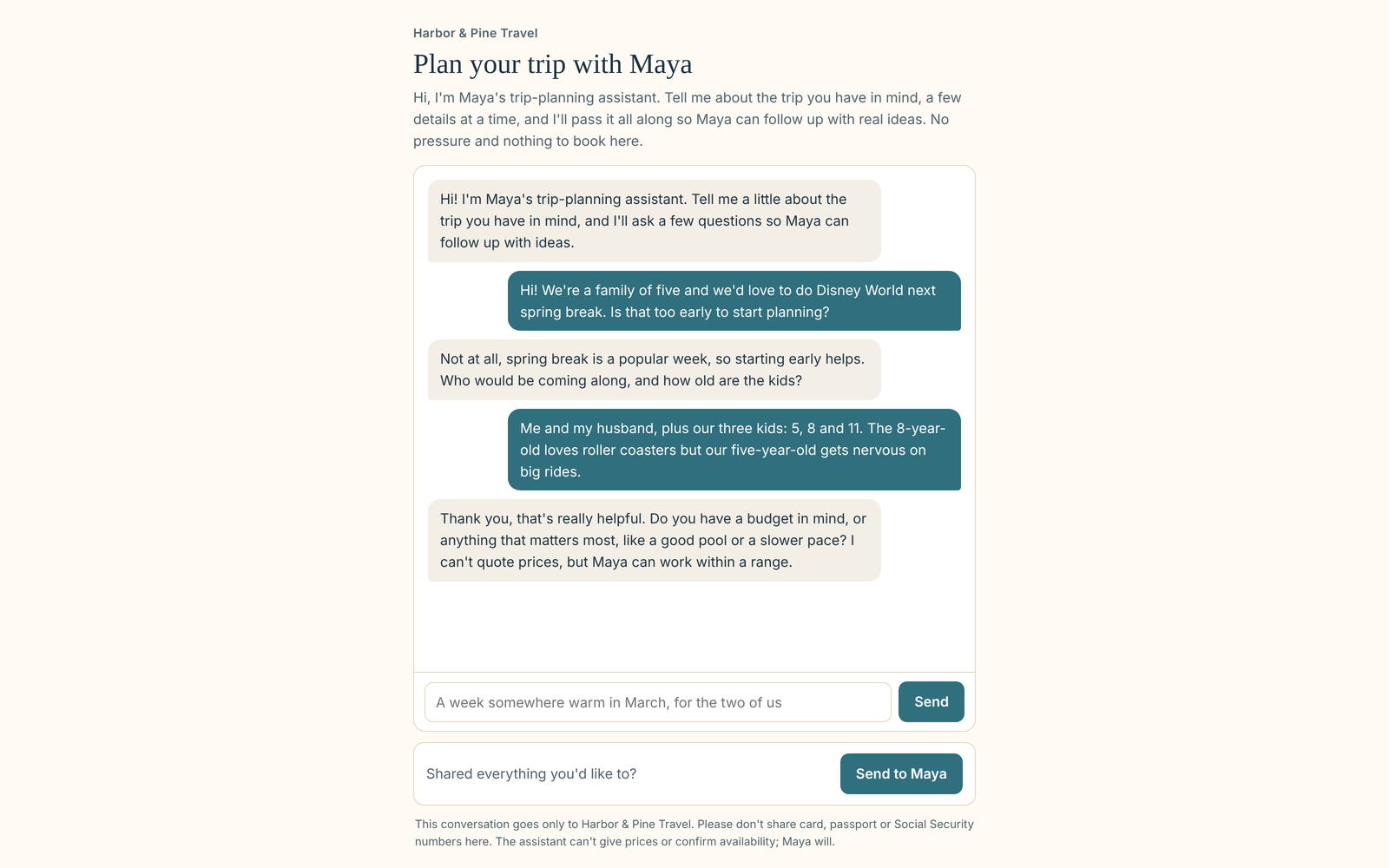
Put a "Plan my trip" button on your own site. A traveler chats with your assistant about the trip they have in mind, then leaves their details. You find a new inquiry in your app with a summary and the conversation attached, ready to review. It never quotes prices or confirms availability. You follow up.
The planner is included on the Pro and Team plans and on host agency plans.
You stay in charge
Everything is a draft until you have read it. It does not book travel, it does not connect to supplier booking systems, and prices come only from what you enter.